01
Linked drawings
Jump between LayOut sheets and their matching 3D views.
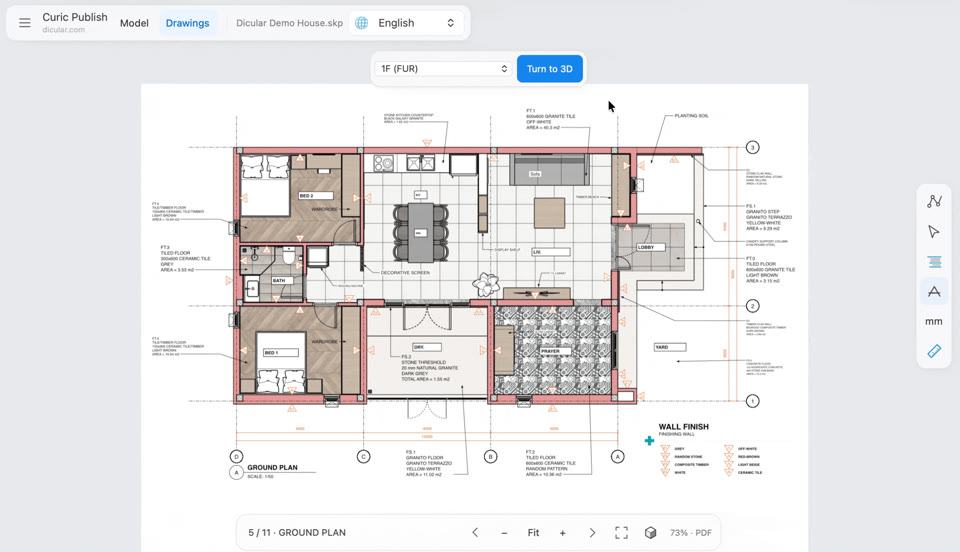

Connect drawings and 3D, move through the model, reveal construction and study light, all in the browser.
Try a live modelJump between LayOut sheets and their matching 3D views.

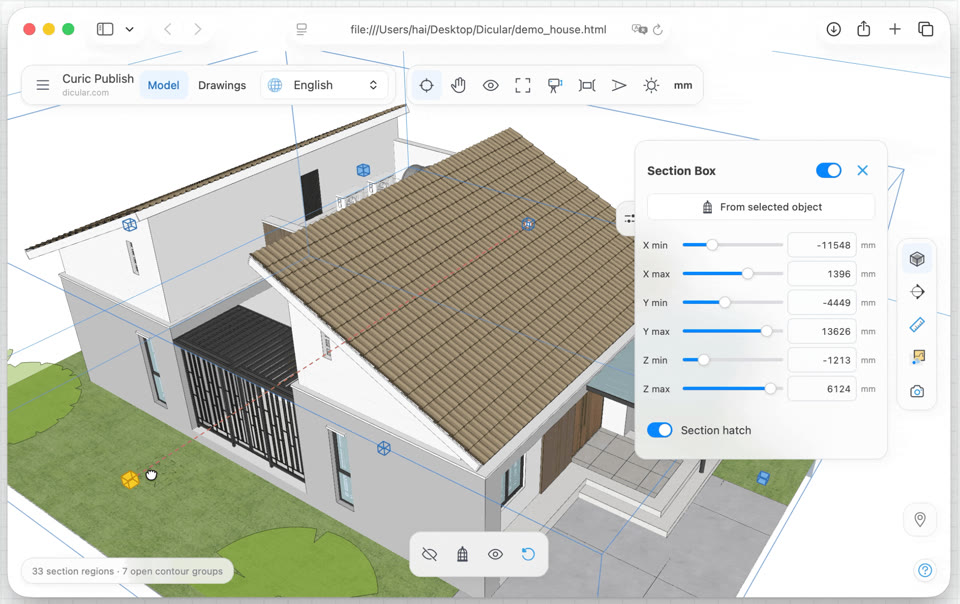
Cut through the model and reveal construction with section hatches.

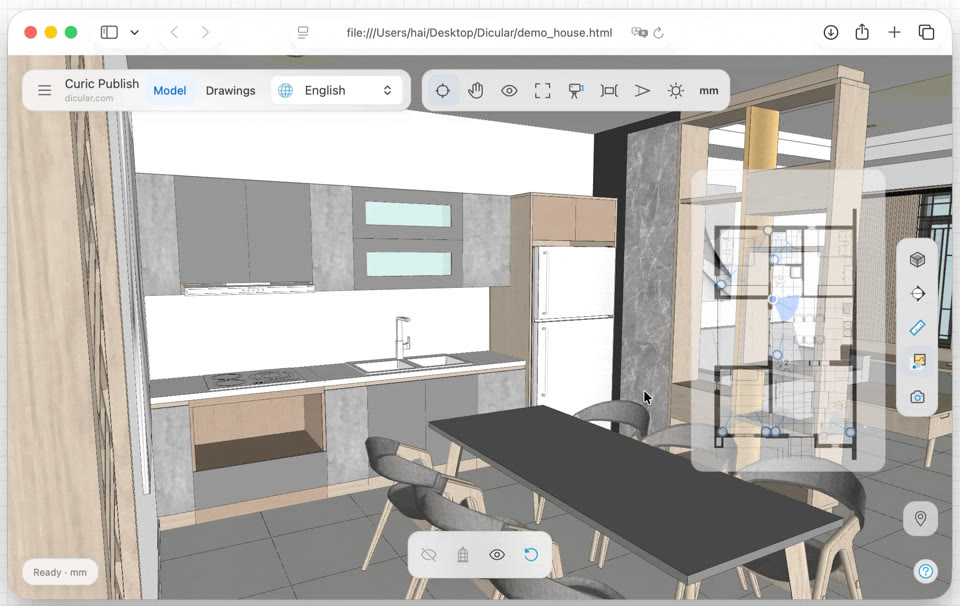
Navigate floors, camera direction and saved viewpoints at a glance.

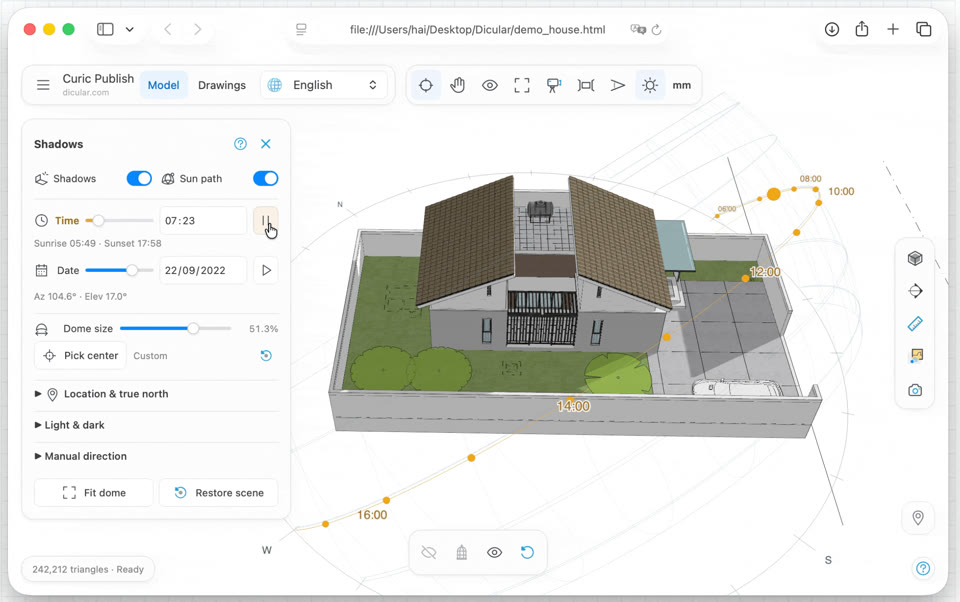
Explore shadows across time, date and the geographic Sun Path.
The default Pro sample combines a complete 3D house with 11 linked English LayOut sheets and the full viewer toolset.
Interactive Pro demoExplore the model and 11 linked drawings in your browser.
Published with Curic PublishGeometry and viewer are contained in the HTML file.Publish your SketchUp model and its LayOut or PDF drawings as one self-contained HTML presentation. Preserve full model data, Scenes, Tags, Outliner and SketchUp display styles, then add linked drawings, MiniMap navigation, Curic Sun studies, sections, object information, object isolation and measurement.
Desktop app for macOS and Windows, or plugin for SketchUp 2021–2026.
Open saved SketchUp models in a desktop app, or publish from the model already open in SketchUp. Both create the same interactive HTML presentation and use the same Free or Pro license.
If an older updater reports ASCII-8BIT to UTF-8, download the plugin here, install it through Extension Manager and restart SketchUp once.
Some labels and status messages still use English. Re-export existing presentations to use the updated viewer.
Free publishing needs no key. The same Pro key works in both editions; the desktop app also asks for your purchase email. Install the desktop app and SketchUp extension separately.
One local-first publishing flow.
01Start with your model, just as it is.
 02
02Save one HTML file. Add linked drawings if needed.
 03
03Open on desktop or mobile with Curic Publish Viewer.
Inspect objects, check dimensions and focus on what matters, with a viewer that fits smaller screens.
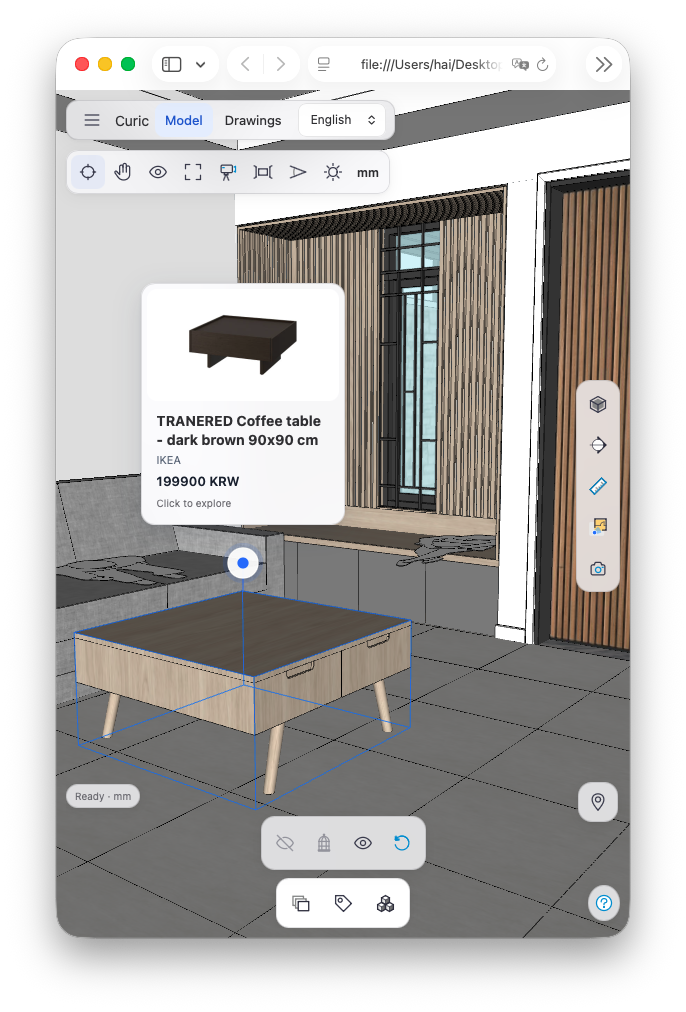
Bring product details and links into the model.
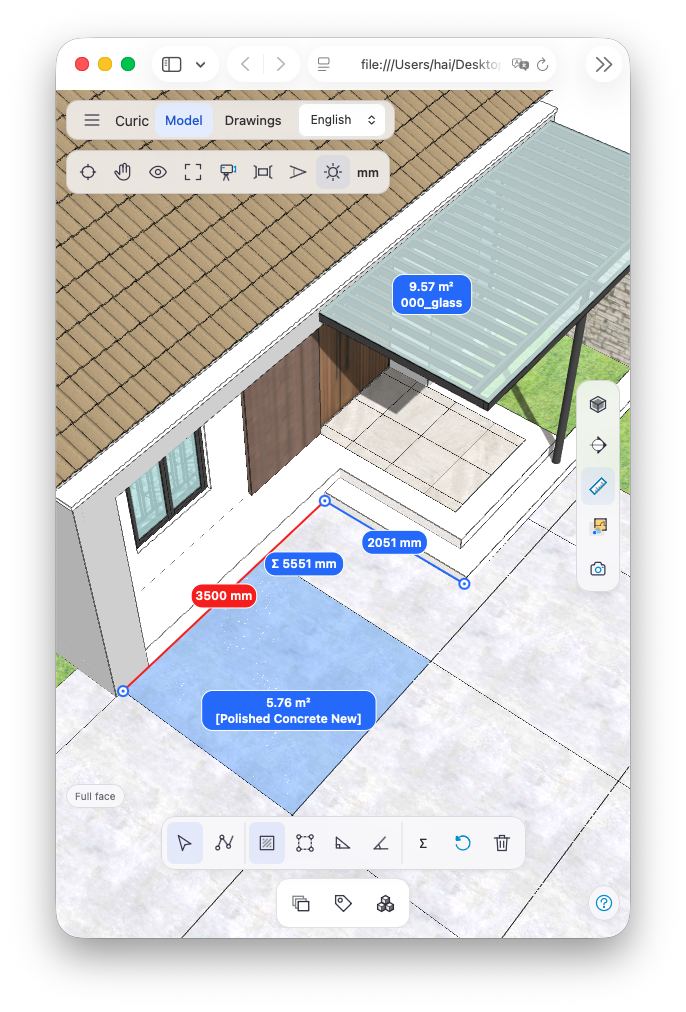
Check distances and surface areas as you explore.
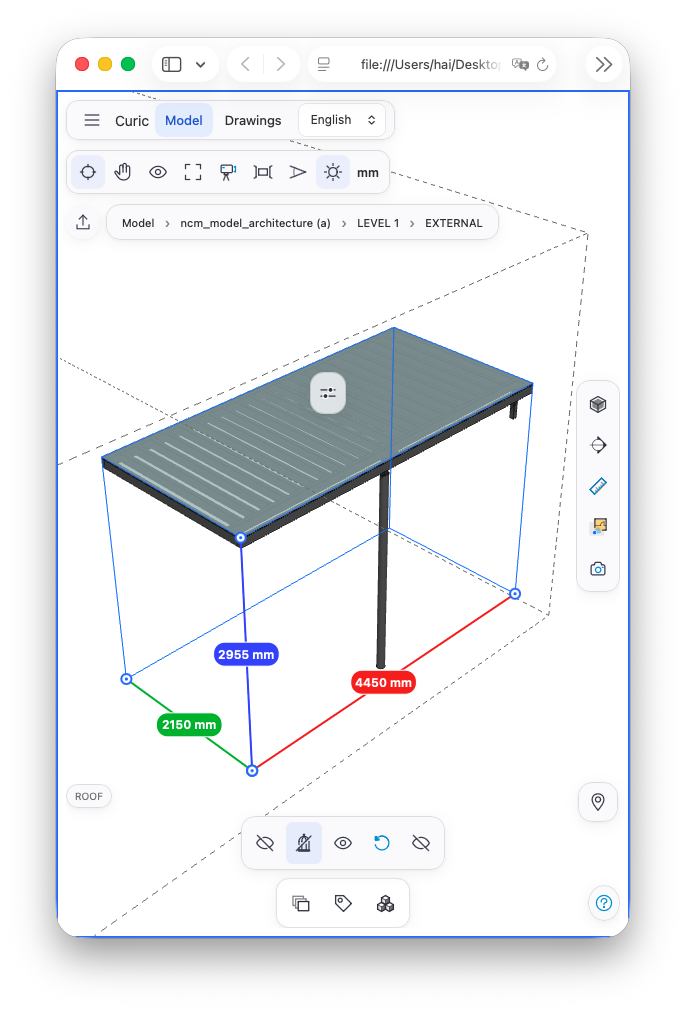
Focus on a selected object and see it clearly.
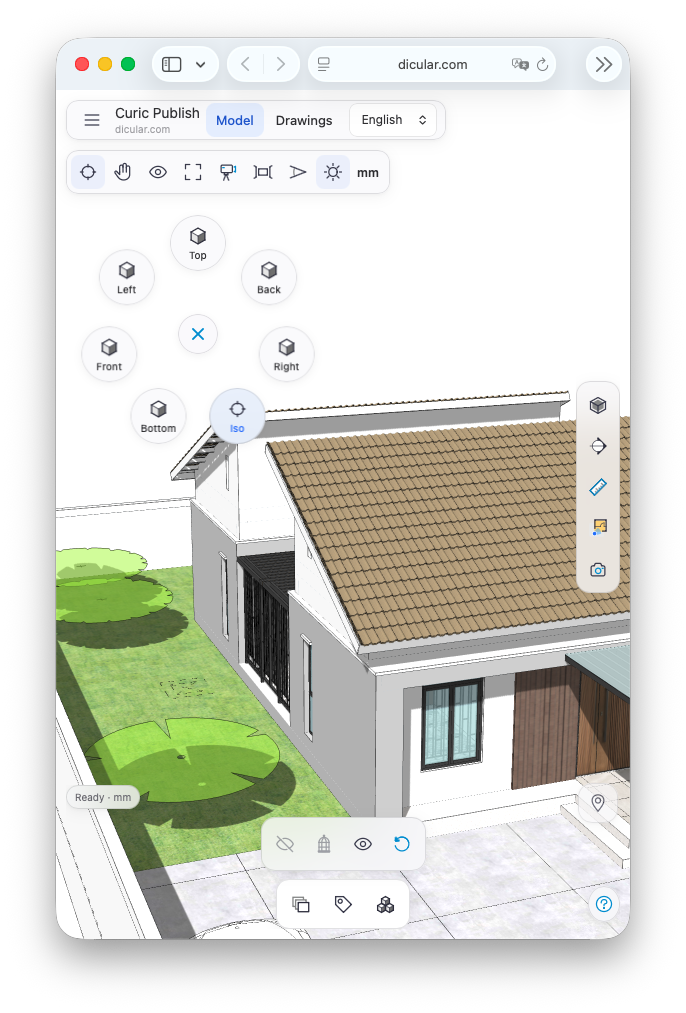
Jump to a familiar angle in a single tap.
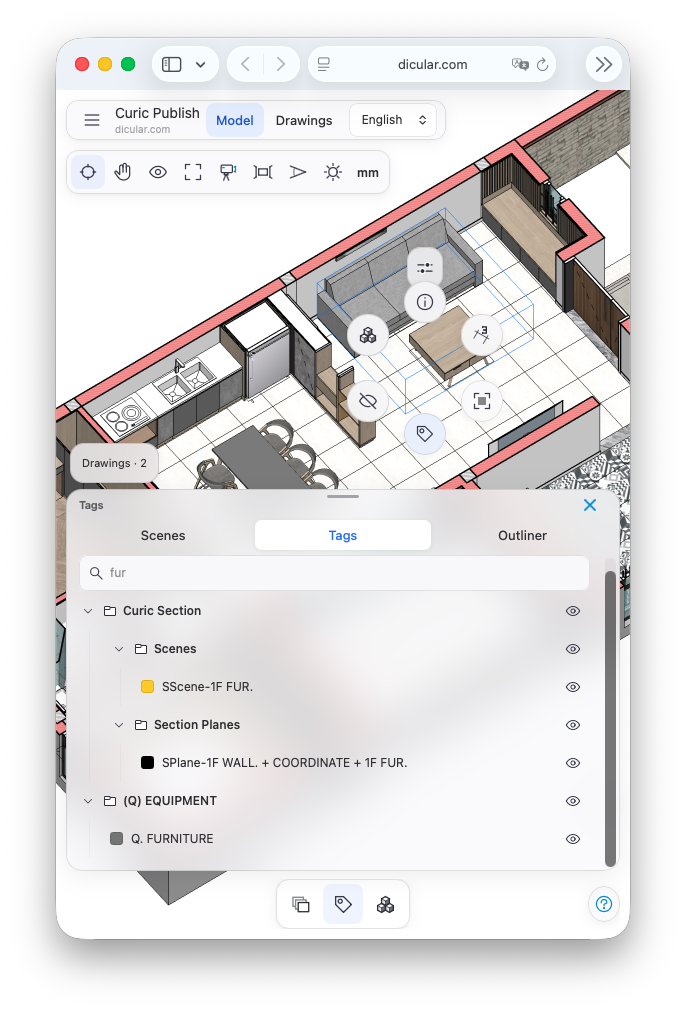
Control visibility and reveal what is underneath.
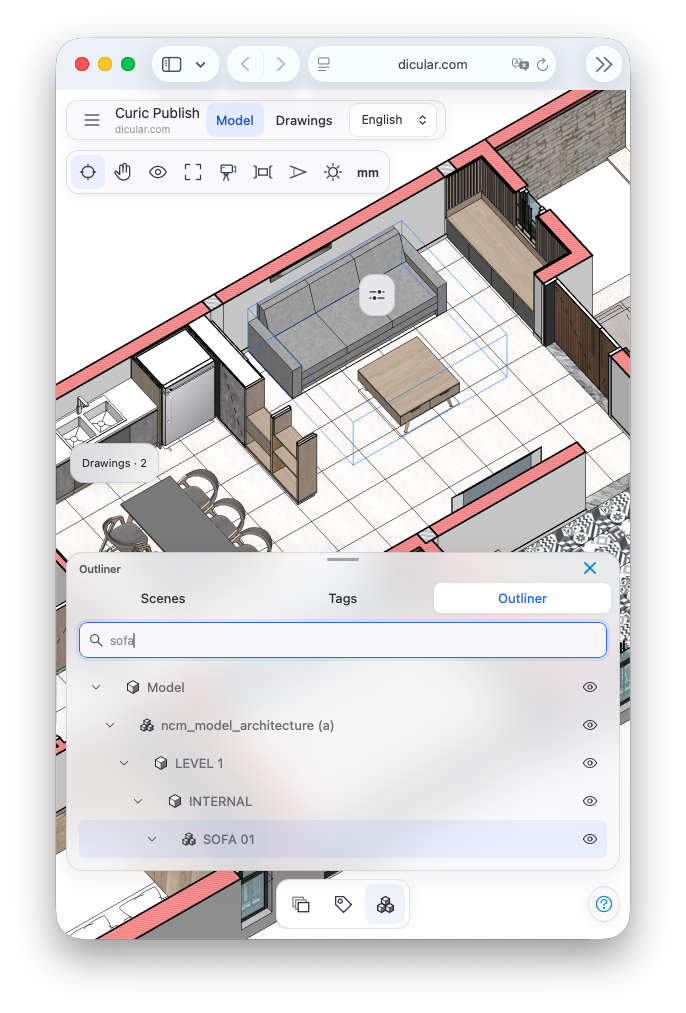
Search the Outliner to find the object you need.
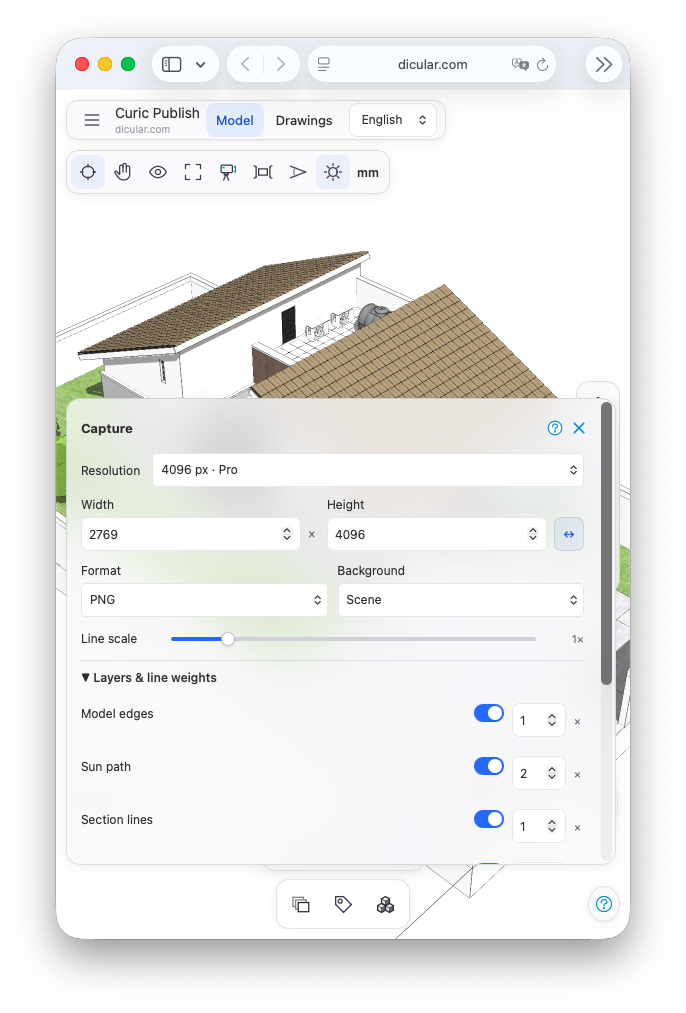
Save a view with your choice of size and line weights.
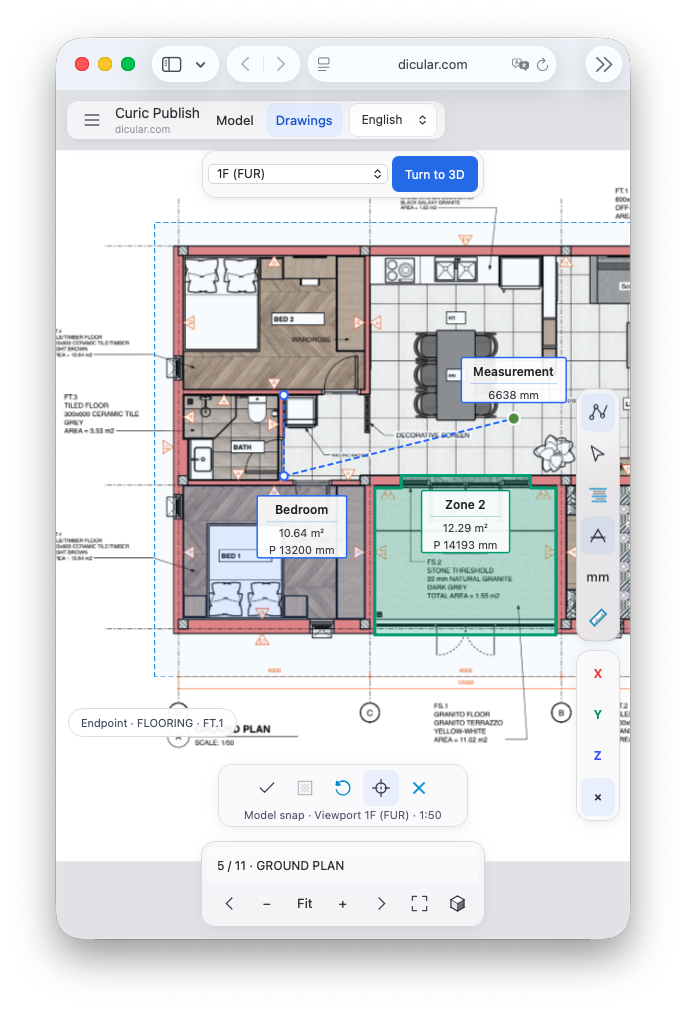
Check scaled distances, areas and perimeters on a sheet.
Everything needed to create and share a useful interactive model.
 Full model data: Scenes, Tags, Outliner and SketchUp display stylesSun Study and geographic Sun Path, inspired by Curic SunSection planes and Look Around
 Hide objects and tags, capture and inspect object information
 Measure tools for models and drawingsSelf-contained HTML export7-day viewing period per exportDownload Free
Presentation controls for professional client delivery.
All Free featuresMiniMap indoor navigation with floors, scene hotspots and map stylesSection Box and section hatch Isolate ObjectsAI Autofill Object Info from a product URL Beta
 Company branding
 Password protection and custom expiryBuy Curic Publish Pro
Secure checkout and license delivery by Gumroad.

Open a Curic Publish HTML presentation or a local PDF drawing. Published HTML follows its author’s access settings; local PDFs open with drawing measurement enabled. Files stay on this device, no upload or account required.
Open HTML or PDF Open full page